Best Xbox Setup for GTA 6: Which Console and Accessories Should You Buy?
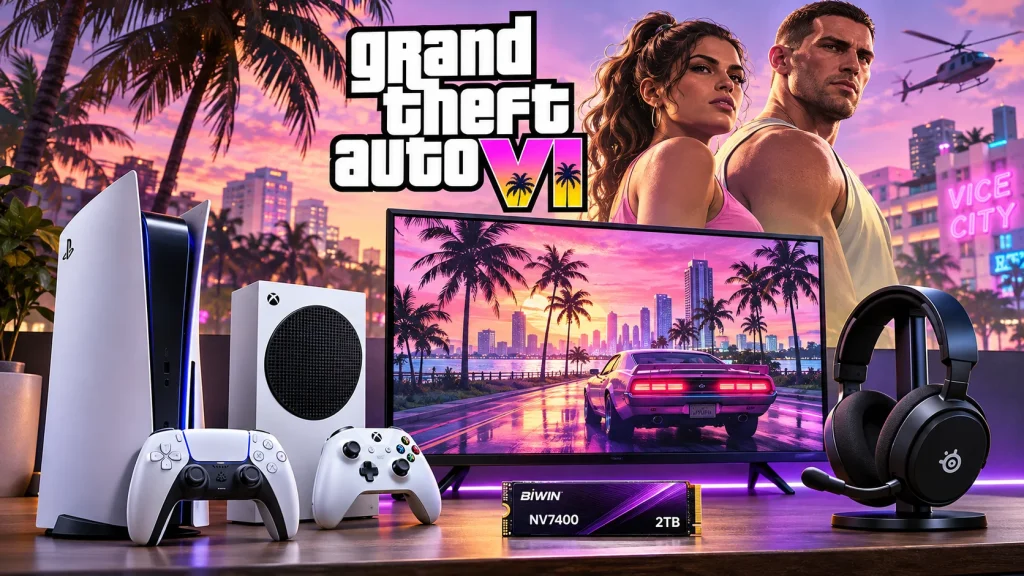
With GTA 6 available on Xbox Series X and Series S, plenty of players are considering buying a console specifically for Rockstar’s latest open-world game.
But which Xbox should you choose?
And do you really need an expensive headset, special controller, or brand-new television?
The answer depends on your budget and how you prefer to play.
Xbox Series S vs. Xbox Series X for GTA 6
Both Xbox Series X and Series S are supported GTA 6 platforms.
The Series X is Microsoft’s more powerful console, designed for higher graphical performance.
The Series S is a smaller, lower-cost digital-only console.
If you’re buying an Xbox primarily for GTA 6 and want to keep spending down, the Series S deserves consideration.
However, the Series X may be more attractive for buyers who prioritize graphical performance and want a built-in disc drive on applicable models.
Xbox Series S 1TB — Best Value for Extra Storage
The Xbox Series S 1TB Robot White combines the familiar Series S design with a larger internal SSD.
Its advertised features include:
- 1TB custom SSD
- Digital-only gaming
- Xbox Velocity Architecture
- Quick Resume
- Included wireless controller
- HDMI and power cables
For players maintaining a collection of digital games, the additional storage is a practical advantage.
Remember that its 120 FPS capability applies to supported games, not automatically to GTA 6.
Xbox Series S 512GB — Best for Smaller Budgets
The Xbox Series S 512GB is another option if price is your biggest concern.
It can run Xbox Series S-compatible games, including GTA 6.
The trade-off is storage.
Modern games can consume substantial SSD space, so someone with a large digital collection may need to uninstall titles more often.
If the difference in price between the two Series S models is small, the 1TB version may offer better long-term convenience.
Xbox Wireless Controller — Pulse Red
The standard controller included with the console is enough to start playing.
However, the Xbox Wireless Controller in Pulse Red is worth considering as an additional controller.
It features textured grips, a hybrid D-pad, USB-C connectivity, and support for compatible Xbox, PC, and mobile devices.
The bright red finish also gives a gaming setup a bit more personality.
It’s useful as a replacement or for other games supporting local multiplayer.
Xbox Wireless Headset — Best Straightforward Audio Upgrade
The Xbox Wireless Headset in Carbon Black is designed for direct Xbox console connectivity.
It features spatial-audio support, adjustable earcup controls, a microphone, and an advertised battery life of up to 20 hours.
One practical advantage is not needing a separate USB wireless adapter for compatible Xbox consoles.
It can be a convenient option for anyone who prefers headphones over television speakers.
SteelSeries Arctis Nova 3X — Best Multi-Platform Headset
The SteelSeries Arctis Nova 3X Wireless provides another approach.
This headset supports several gaming platforms through its connectivity options, making it interesting for people who own both Xbox and PlayStation systems.
Its advertised features include:
- Up to 40 hours of battery life
- Bluetooth and 2.4GHz wireless connectivity
- USB-C dongle
- Companion-app audio presets
- Lightweight design
- Fast charging
If you regularly switch between consoles, a multi-platform headset can reduce the number of accessories you need.
Confirm the exact compatibility of the selected version before ordering.
Should You Upgrade Your TV?
Only if your current screen is holding you back.
A modern 4K television can provide a sharp picture, while HDR and good contrast can improve the appearance of dark scenes and bright highlights.
For example, the TCL 75-inch QM7L Mini LED TV is one premium option for buyers interested in a large gaming screen.
But you don’t need a 75-inch television to play GTA 6.
A compatible smaller display works too.
What About Xbox Game Pass?
Don’t assume GTA 6 is included with Game Pass simply because the console supports the subscription.
Game availability and subscription benefits can change.
Check the official Xbox store for the version you want and purchase or subscription requirements.
Final Verdict
For a budget-conscious setup, the Xbox Series S is a practical starting point.
Choose the 1TB model if you want more room for digital games, or the 512GB model if its lower price makes more sense.
After that, focus on accessories you’ll actually use.
The included controller and a compatible television are enough to get started.
A better headset or larger screen can improve comfort and immersion, but they’re optional.
For official details about GTA 6, visit Rockstar Games.
Affiliate Disclosure: As an Amazon Associate I earn from qualifying purchases. Some links in this article may generate a commission at no additional cost to you.
Editor’s Note: Product information is based on supplied retailer listings. Game subscriptions, console availability, prices, and accessories may change. DOJO News Network has not independently tested these products.