Is Your Smart Home Spying on You? What Your Devices Really Know

Your television knows what you’re watching. Your smart speaker responds to your voice. Your security camera knows when someone approaches the front door.
Smart-home technology has made everyday life more convenient, but it has also introduced a question many people don’t think about until something goes wrong.
How much information are these devices collecting?
The answer depends on the product, its settings, and the company operating it.
Your Smart TV May Know What You Watch
Modern smart televisions do more than display movies.
Some use technology called Automatic Content Recognition (ACR), which can identify content displayed on the screen.
Manufacturers may use viewing information to provide recommendations, measure audiences, or support advertising, depending on their policies and settings.
That doesn’t mean someone is personally watching your television.
It does mean your viewing habits may be valuable data.
What to do: Open your television’s privacy settings and review options related to viewing information, advertising personalization, and content recognition.
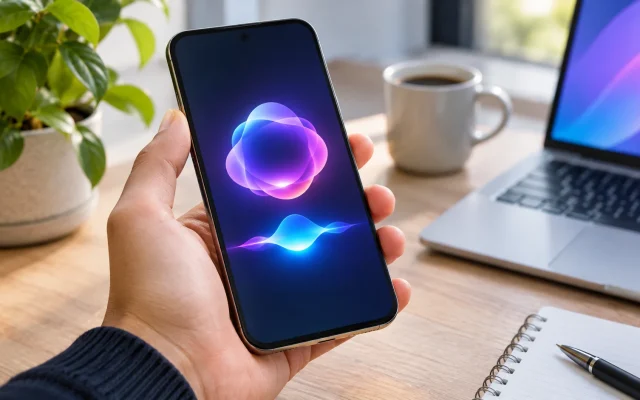
Smart Speakers Are Listening for Wake Words
Devices such as Amazon Echo and Google Nest speakers use microphones to detect activation phrases.
The concern isn’t simply whether a speaker has a microphone. It’s what happens after activation.
Depending on the service and settings, voice interactions may be processed online, retained, or used to improve services.
Accidental activations can also occur.
If you’re concerned, review your speaker’s voice-history and privacy settings.
Many smart speakers also include a physical microphone-mute control.
Security Cameras Come With Privacy Responsibilities
Internet-connected cameras make it easy to monitor your property while you’re away.
But weak account security or poorly maintained software can expose recordings or device access.
The U.S. Federal Trade Commission recommends protecting connected devices through strong authentication, software updates, and appropriate security settings.
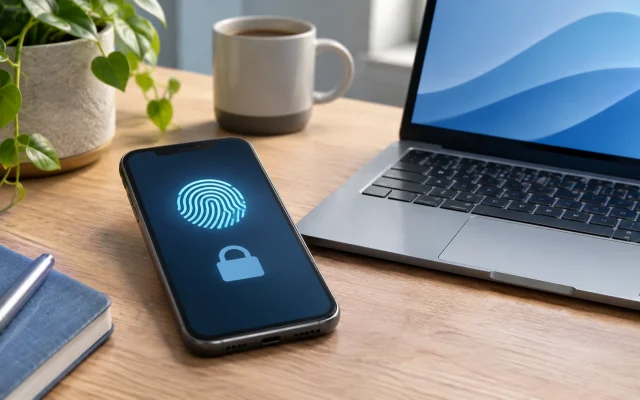
Consider enabling two-factor authentication, checking who can access shared camera accounts, and reviewing cloud recording options.
Only install cameras in appropriate locations, and respect other people’s privacy.
Your Smart Home Doesn’t Need Access to Everything
A smart bulb probably doesn’t need your location throughout the day to perform its basic function.
A television application shouldn’t automatically receive every permission simply because it’s available.
When installing a smart-home application, check the permissions it requests.
Disable unnecessary access where the device can still function correctly without it.
It’s also worth reviewing the manufacturer’s privacy policy before purchasing connected equipment.
Five Ways to Make Your Smart Home More Private
You don’t need to disconnect everything to improve your security.
- Update your devices. Install firmware and security updates regularly.
- Use unique passwords. Avoid reusing passwords across smart-home accounts.
- Enable two-factor authentication. Use it wherever supported.
- Review privacy settings. Disable unnecessary data collection and permissions.
- Separate devices when practical. A suitable guest or isolated network can help reduce exposure between certain connected devices.
For devices that no longer receive security updates, consider whether keeping them connected is worth the risk.
Frequently Asked Questions
Can someone hack a smart TV?
Like other connected electronics, smart televisions can have security vulnerabilities. Keeping software updated and avoiding suspicious applications helps reduce risk.
Do smart speakers record everything?
They’re generally designed to detect activation phrases, but accidental activations and data retention practices vary by product.
Can hackers access security cameras?
Poorly secured devices and compromised accounts can expose camera access. Strong authentication and current firmware are important.
Should smart-home devices use a separate Wi-Fi network?
Separating connected devices from sensitive computers and personal devices can be useful when your router supports appropriate network isolation.
Is a smart home worth the privacy risk?
For many households, yes, provided devices are selected carefully, configured securely, and maintained over time.
Final Thoughts
Smart-home technology isn’t automatically dangerous, and owning a connected television or speaker doesn’t mean someone is secretly watching your household.
But convenience often involves data collection.
Before accepting every default setting, take a few minutes to understand what your devices can access and how that information is used.
A smarter home should also be a more private home.
Sources and further reading:
FTC — Securing Your Internet-Connected Devices at Home
NIST — Seven Tips to Keep Your Smart Home Safer and More Private
DOJO News Network | Technology | November 2026